Недоступно в демо-режиме
Загрузки, оценки, рейтинг, дата обновления и издатель приложения закрыты в демо-версии. Полный доступ открывает все цифры по каждому приложению.
Жанры
Описание
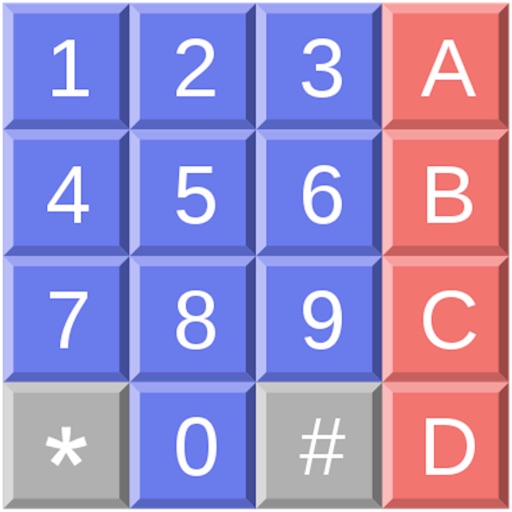
SelCall generates Selective Calling Tones. Select your tone type from the extensive selection of available modes, then touch the button for each tone you wish to send. You can even queue up tones and have them sent in a burst, if you wish. The following tone types can be generated: DTMF CCIR1 CCIR7 PCCIR EIA EEA CCITT EURO NATEL VDEW MODAT ZVEI1 ZVEI2 ZVEI3 PZVEI DZVEI PDZVEI ICAO ICAO SELCALL 32 CTCSS CODAN Touch the button on the upper right corner to get a list of SelCall tone modes, and select the mode you wish to use. Then touch the button for each tone you wish to generate. If you turn the switch off, you can queue up several tones (they will be displayed to the left of the switch) and then turn the switch back on to play them. Any tones that you played by turning the switch on can be repeated by tapping the RPT/Repeat button. You can also store commonly used tone sequences. Tap on the Mem button to bring of the list of memory entries, which will by empty at first. To add an entry, tap the Edit button, then the green plus sign to add an entry, which will get a default name of Untitled. Tap Done, then tap on the Untitled entry to edit it. You can change the name, as well as the tone keys to be sent. To send an entry, tap the send button. It will be sent (or stored in the buffer if the switch is off). It will also be placed in the repeat buffer, so you can tap RPT/Repeat to re-send it. The duration of tones and gap between them can be customized for most modes…
Данные собраны 27 окт. 2026 г.